- Open the command prompt with administrator permission ( Run as Administrator)
- Type diskpart
- Type List Volume to see full list with drives and partitions.

5. You need to use its value with the command select volume 2.
6. Substitute the NUMBER portion with the actual partition number you would like to change
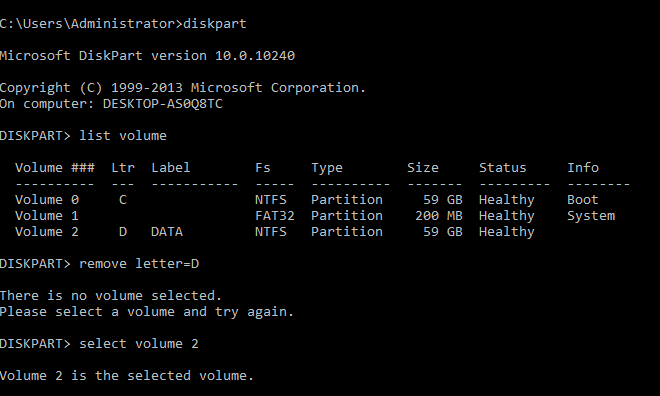
7. Type the command remove letter=D o remove the drive letter. Substitute the X portion with the appropriate letter
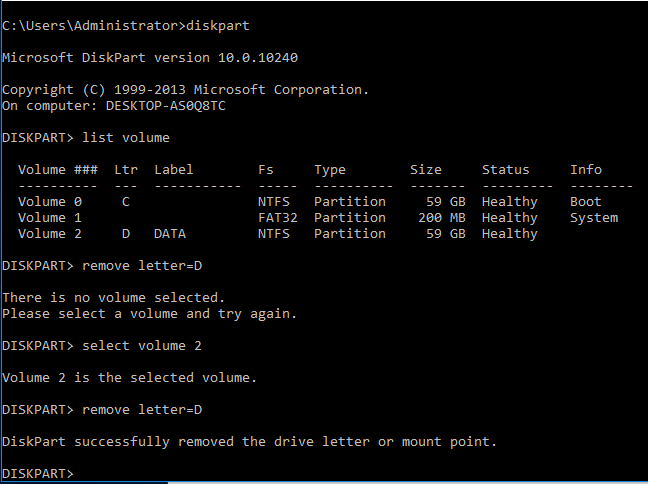
8. Not that its removed

9. Should you wish to assign again use the command below Assign letter=G


